Cash Manager Step 2 Add Bills
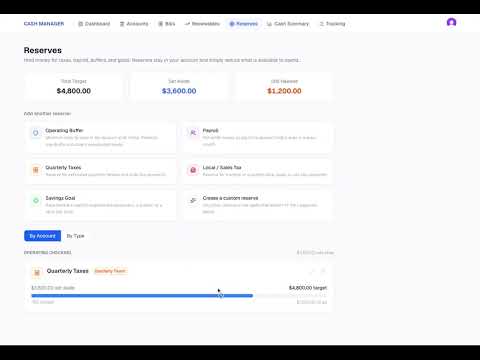
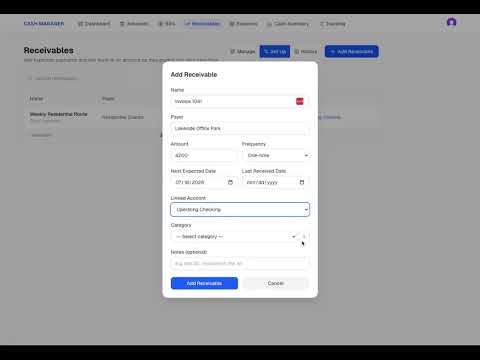
Bills represent money your business expects to pay in the future. In this video, we add recurring and one-time bills, choose the payment schedule, assign each bill to a cash account and category, and enter the next due date. You’ll see how Cash Manager begins using those upcoming payments to build your projected cash picture as soon as they are entered. Adding bills helps you look beyond today’s bank balance and start seeing how known expenses may affect the cash available to your business in the days and weeks ahead.
Previous
Cash Manager Step 1 Add Cash Accounts
Next