Cash Manager Step 2 Add Bills
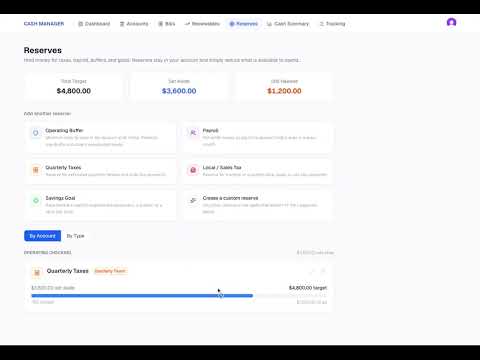
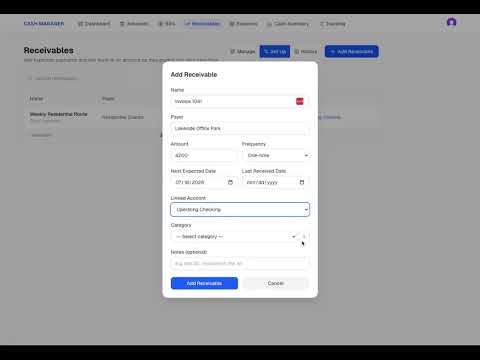
Continue setting up Cash Manager by adding the bills and other payments your business expects to make. In this walkthrough, you will see how to add recurring and one-time bills, choose the payment schedule, assign each bill to an account and category, and enter the next due date. Once the bills are added, Cash Manager begins using them to build your projected cash picture. You can start seeing how upcoming payments may affect the business before completing the remaining setup steps. This is Step 2 of the Cash Manager setup process.
Previous
Cash Manager Step 1 Add Cash Accounts
Next