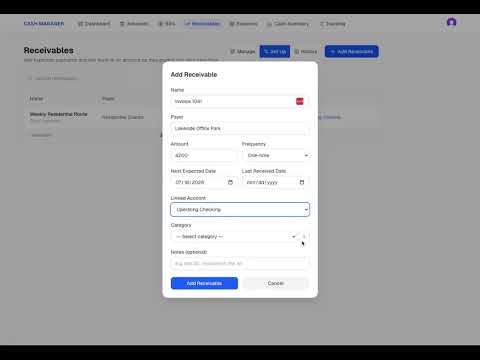
Cash Manager Step 4 Set Up Reserves
Complete the Cash Manager setup process by adding money set aside for future business needs. In this walkthrough, you will see how to create reserves for quarterly taxes, payroll, and an operating buffer. You will also see how to enter a target amount, record what has already been set aside, and connect each reserve to a cash account. The money remains in the account, but Cash Manager separates it from the amount shown as available to use. After the reserves are added, the Dashboard shows the complete cash position: Cash on Hand Cash Reserves Cash Available This is Step 4 of the Cash Manager setup process.
Previous
Cash Manager Step 3 Add Receivables
Next