Entering Transactions After Initial Account Setup
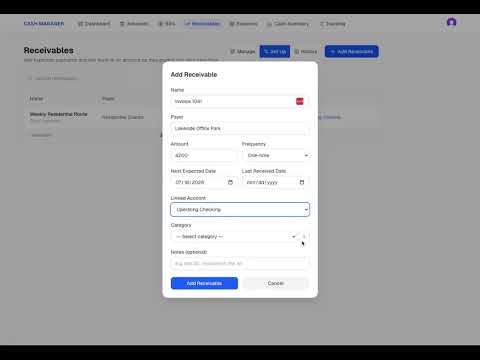
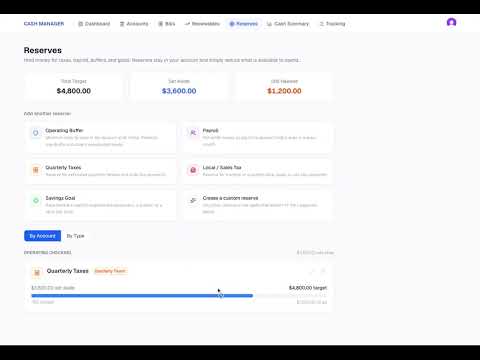
In this walkthrough, you will see how to add transactions to Cash Manager and keep the account aligned with the balance shown in your banking app. The video demonstrates how to: Add money in and money out transactions Compare the Cash Manager balance with the bank balance Identify when the amounts do not match Add missing activity and confirm when the balances agree Reconcile the account Review completed transactions in the Cash Summary Use the Tracking screen to confirm which bills were paid and which expected payments were received Once transactions are added, the Cash Summary begins showing what has actually happened in the account. The Tracking screen provides the item-level view needed to confirm that expected bills and payments were completed.