Understanding Your Cash Picture with the Cash Manager
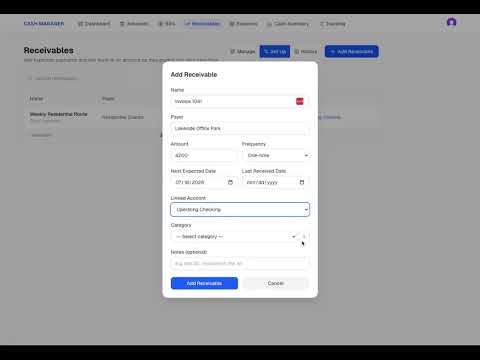
After completing the four Cash Manager setup steps, the next step is understanding what the information actually shows. In this walkthrough, we review the Cash Manager screens using the cash accounts, bills, expected receivables, and reserves entered during setup. You will see how the information connects to create a current and projected view of the business cash position. The account appears to remain in a healthy position through the current year. When the projection extends into the following year, the cash runs short. That future view gives the business owner time to recognize the problem and consider what may need to change before the account reaches that point. This video shows how Cash Manager helps you look beyond the balance today and see where the business cash is headed based on the information entered.