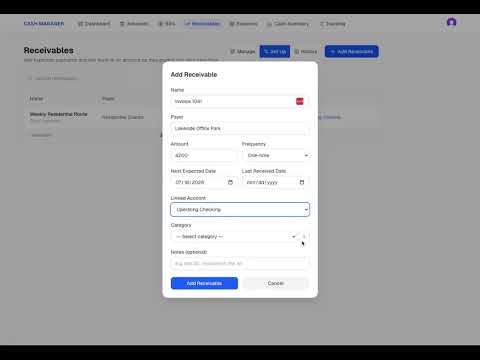
Cash Manager Step 4 Set Up Reserves
Reserves help you separate money that is already being held for future business needs from the cash that is truly available to spend. In this video, we create reserves for quarterly taxes, payroll, and an operating buffer, enter target amounts, record what has already been set aside, and connect each reserve to a cash account. You’ll also see how Cash Manager keeps the money in the account while separating it from available cash. Once reserves are added, the Dashboard shows your Cash on Hand, Cash Reserves, and Cash Available together in one view.
Previous
Cash Manager Step 3 Add Receivables
Next