Adding Missing Transactions to Complete Your Cash History
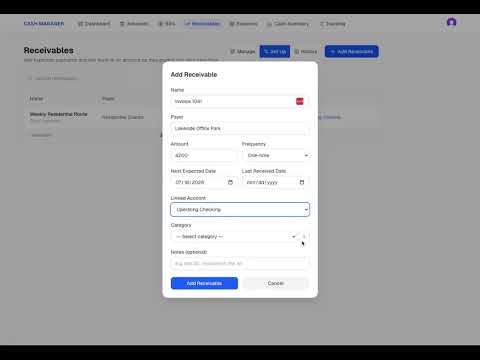
Keeping your Business Cash Manager current also means making sure your transaction history reflects what actually happened in your business. In this video, we continue from Updating Recurring Transactions in Just a Few Minutes a Week and fill in transactions that occurred while we were working through the initial setup process. You’ll see how adding the missing July activity creates more continuity in the Cash Summary and helps the account better reflect the actual movement of cash from month to month. We also look at why some transactions are still missing from the current month. Some bills have not been paid yet, some receivables have not been received, and other recurring activity is still scheduled for later in the month. In this video, we cover: • Adding missing historical transactions • Filling gaps between your initial setup and current activity • Reviewing your Cash Summary after updating transactions • Identifying bills and receivables that are still upcoming • Distinguishing between missing transactions and activity that has not happened yet If you have not completed the initial setup yet, start with the Get Started playlist to add your cash accounts, bills, receivables, and reserves. Then continue with the Next Steps videos to build out your transaction history before beginning your regular weekly Cash Manager routine.