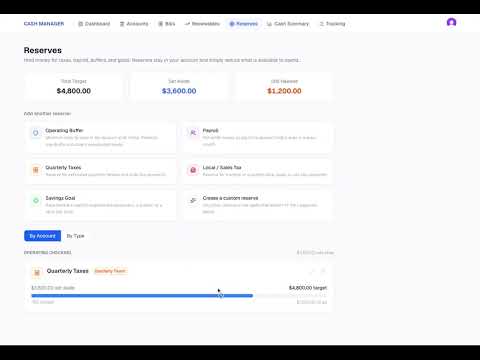
Reconciling Your Account with Bank Transactions
In this video, we demonstrate how to reconcile your Business Cash Manager account to your online banking or banking app. You’ll see how to update transactions that have cleared your bank account, confirm that your Cash Manager balance matches your actual bank balance, and use the Reconcile feature to mark the transactions you have already reviewed. In this video, we cover: Updating cleared transactions Confirming your Cash Manager balance matches your bank balance Reconciling the account How reconciled transactions are marked * Keeping track of which transactions have already been reviewed Regular reconciliation helps you keep the cash information in Business Cash Manager aligned with what is actually happening in your bank account.
Previous